
OKWW App support, OKWW Login and payment issues
Find OKWW support guidance for account access, payments and technical problems. Identify the affected feature and record any error message or transaction reference before contacting the displayed channel, so that the request contains relevant details without exposing passwords or one-time verification codes.
Register Log in
OKWW support status at a glance
4.3/5
Average rating
67,204
Review
91K+
Active users
99.9%
Uptime
These four pieces of information show how active the support channel is; since 2019, many users have received clear answers about the OKWW App and payments.
OKWW Register and OKWW Login: Start in 4 steps
1. Open an account
First, register; if you keep the phone number correct, it finishes within 3 minutes.
2. Verify login details
Password, number, and code - check again; if wrong, retry from OKWW Login immediately.
3. Report payment problems
If a transaction is stuck on bKash, Nagad, or Rocket, take a screenshot; Dhaka users usually keep this information ready.
4. Send to support team
Describe the issue briefly; this leads to faster responses and fewer follow-ups.
If you have questions about the OKWW APK or app updates, you can report them through the same channel; including device name and Android version makes it easier.
Fast help with Bangladesh payments
What to check with bKash, Nagad, Rocket
Before sending payment, verify name and number; a single wrong digit can cause a problem
What information is needed if a transaction
Transaction ID, time, and amount in BDT; showing the amount speeds verification.
Tips for Dhaka users
Many people message during busy times, so replying in the morning or evening yields quicker responses.
If the payment screen does not open in the OKWW App, first refresh the network, then Payment guide Look and try again
Understand easily from the screen
Account verification
This screen helps match the number and information
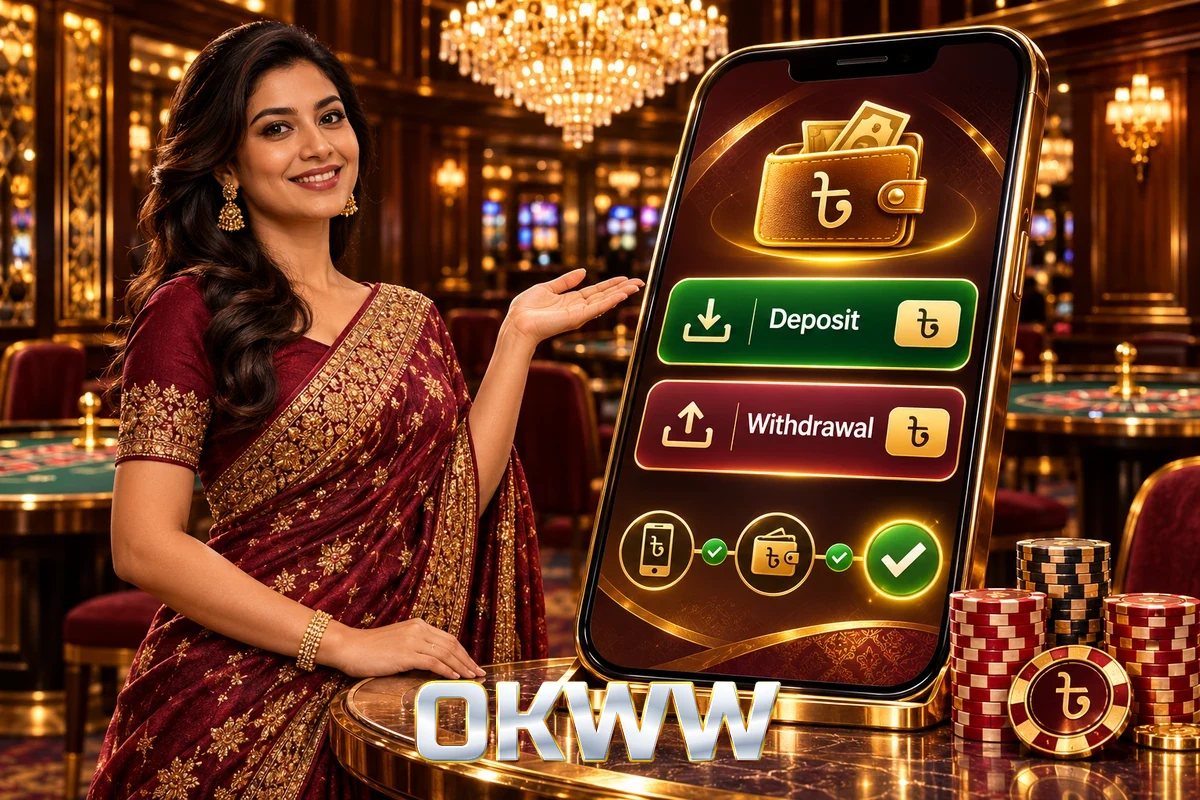
Payment check
bKash, Nagad, Rocket transaction steps at a glance
APK support
Check if Android permissions are correct here as well
These three images are used for different purposes: one for an account, one for a payment, and one about the OKWW APK
Common questions about OKWW support
What to do if OKWW Login does not work?
First, check password and number; if there is a problem, reset and try again.
Are OKWW APK and app different?
APK is the install file; app is the running experience on Android.
How quickly is the payment verified?
If information is correct, it is usually fast; reference numbers for bKash, Nagad, Rocket help.
How long to register?
Usually finishes within 3 minutes; if the phone number is ready, it's easier.
Where can I get help?
Contact page And view this page's instructions together; it makes finding answers easier.
Fast login, fast help.
If you want to start using the OKWW App now, first. Log in If needed, later. Register Do it
The OKWW Support page for Bangladesh users includes all you need about accounts, payment, and OKWW Download, everything in one place.
Register Log inFinally, remember this: if you have trouble with the OKWW App, APK, or Login, this page is the first stop.